
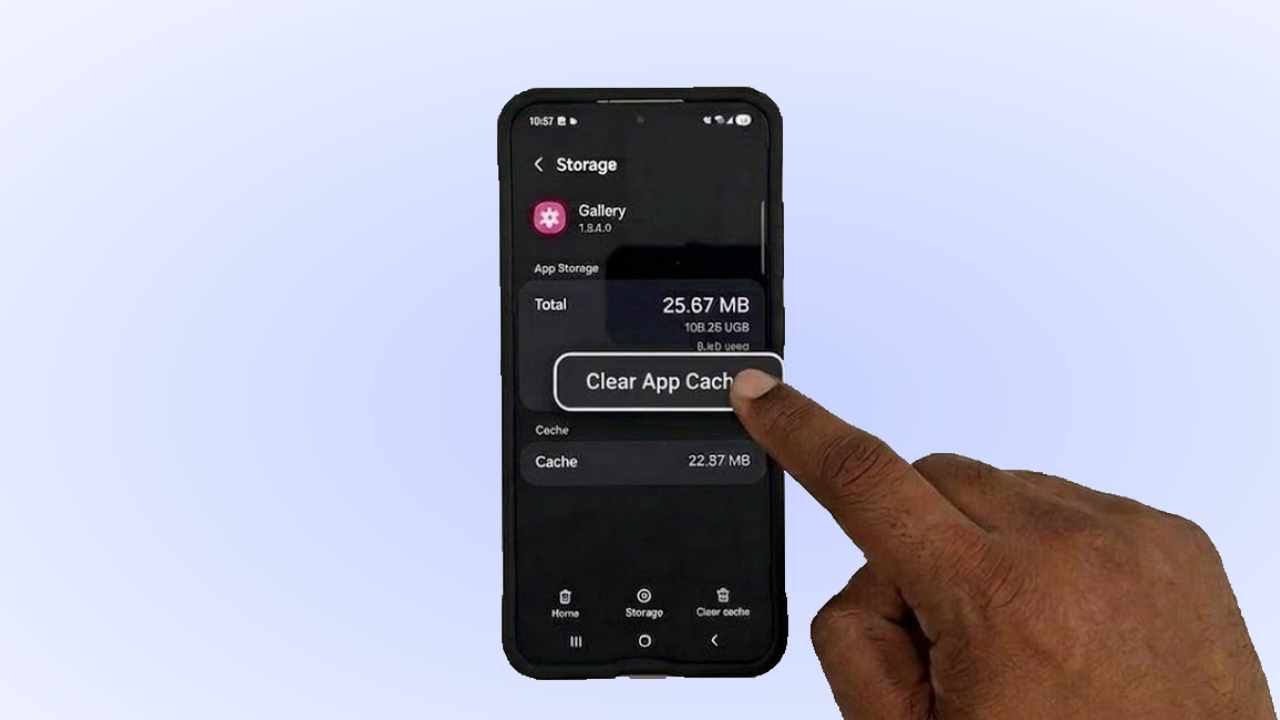
How to clear the phone’s set memory or internal memory without deleting anything. To know, follow these steps below. Sometimes some unnecessary cache data remains on our phone even after uninstalling various apps. Which we never notice. All those caches occupy the necessary space of our phone’s internal memory. Which is of no use to us.
How to clear cache on android all at once
Here is a step-by-step guide on how to clear this unnecessary cache data from your phone:
- Go to your phone’s settings.
- Now click on the Apps option.
- Then click on any app from here.
- From here, click on the storage option.
- Click on the Clear Cash option from below.
In this way, all the unnecessary caches that are left in each app on your phone. Clear all the caches from all those apps in the same way. As soon as you clear them, your phone’s internal memory will become much more empty than before.
